
Single song
The fastest route for one title: select the content, set the output type and check the file in its target folder.
WINDOWS GUIDE
Learn how to save your own or permitted music, videos and playlists on Windows, which output formats make sense and what to watch out for.
First check whether you are allowed to save the content. Then choose a song, video or playlist, set a supported output format and start saving. Afterwards, check the file in its target folder.
Important: check rights and platform terms before saving.

STEP BY STEP
These steps help you avoid skipping an important decision before saving. Product and platform details can change.
Save only content you own or are explicitly permitted to use. Also read the platform’s current terms.
Result: you know the permitted use case.Decide whether you want to handle one item or multiple tracks. With a playlist, briefly check the included titles.
Result: the scope is clear.If you want to download YouTube audio, an audio output is one option. Saving YouTube audio as an MP3 is a specific choice. The product page names MP3 and video as output types; the current version is decisive.
Result: you have chosen a suitable output type.Afterwards, check the filename, target folder and playback. If something is wrong, do not simply change your rights assumption; clarify the cause first.
Result: you know where the file is and whether it is usable.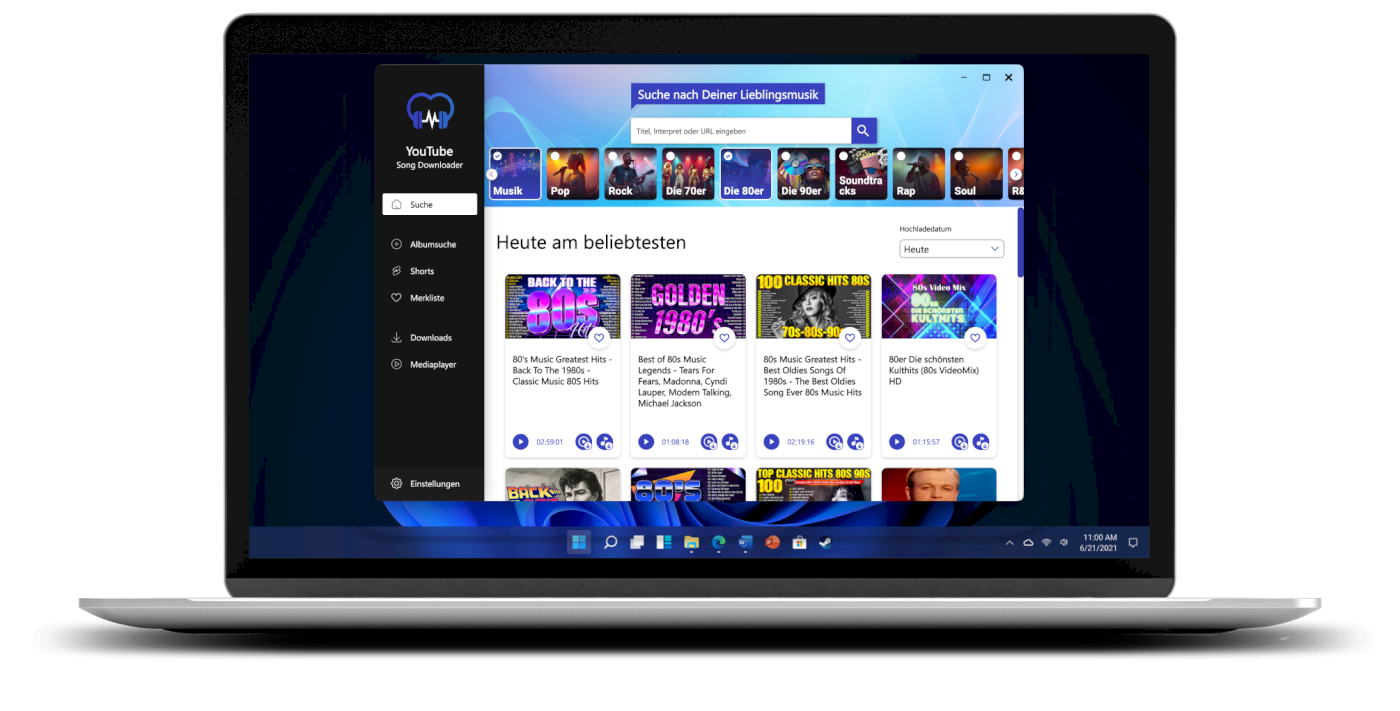
DECISION GUIDE
The suitable output depends on your goal. Check again that you are allowed to save the content before choosing.
The fastest route for one title: select the content, set the output type and check the file in its target folder.
Ideal when you only need the sound. The official product page names MP3 as a supported output format.
Useful when picture and sound belong together. Video is available as an output type according to the product page.
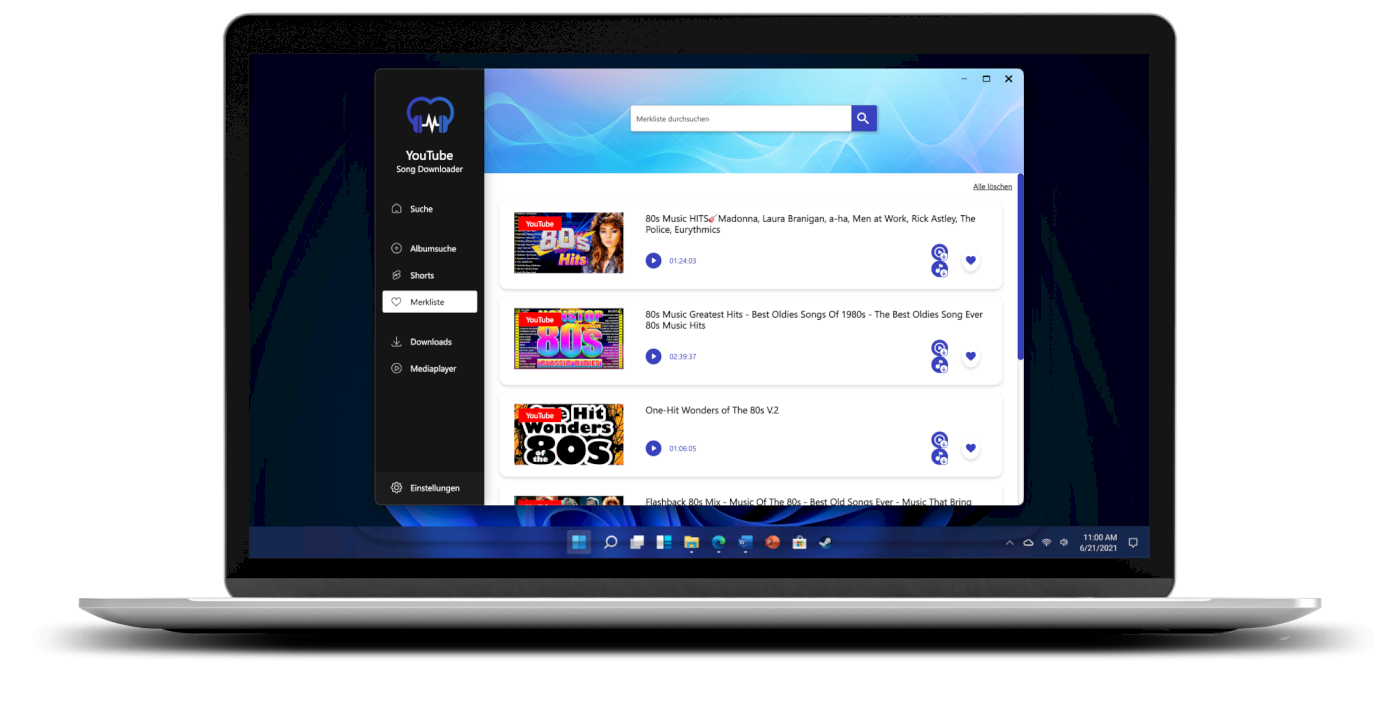
For several titles at once: check rights and included content first. The official product page names playlist and album functions.
PRODUCT
YouTube Song Downloader for Windows combines search, preview and output in one interface. The official product page names MP3 and video as output types plus playlist and album functions; Windows 10 and Windows 11 are supported.

PLATFORM AND PRIMARY SOURCES
Download and offline features, as well as platform terms, may change. Check the official guidance for your specific use case.
FAQ
MP3 is named as an output type. Whether specific content may be saved and which options are available depends on rights, platform terms and the current product version.
Choose a playlist only when you have the necessary rights or permissions. YouTube Song Downloader names playlist and album functions.
No. Save only content you own or are explicitly permitted to use, and follow the applicable platform terms. This page is not general legal advice.
Windows 10 and Windows 11 are named for YouTube Song Downloader. Dynamic product details should be checked again before publication.
NEXT STEP
You can add the current Plus version directly to the cart here. The price, version and availability are shown during checkout.